Getting Started
Set up in 3 simple steps.
01
Connect Your Shopify Store
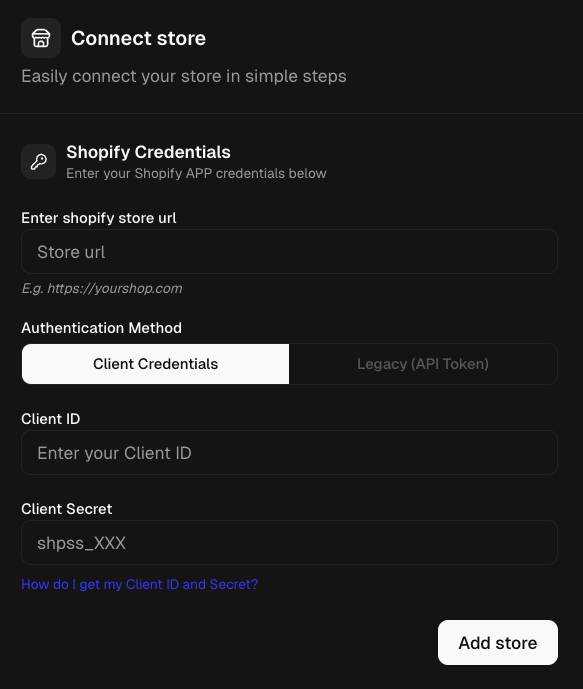
Link your Shopify store in seconds. Enter your store URL and authenticate with your Shopify custom-app credentials. Adgain securely syncs your product catalog and orders automatically.
- Enter your Shopify store URL
- Authenticate with Client ID + Client Secret
- Your products and orders sync automatically
02
Connect Google Ads
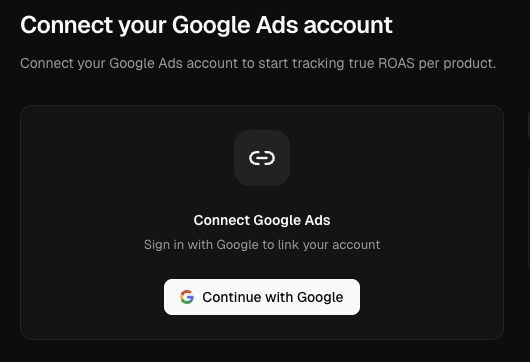
Authorize Google Ads with one OAuth click. Adgain pulls campaign performance, click attribution, and Shopping/PMax product-level metrics, including PMax asset-group exclusions.
- Sign in with your Google Ads account
- Pick the Google Ads customer to track
- Campaign + Shopping + PMax data imports automatically
03
Analyze & Optimize
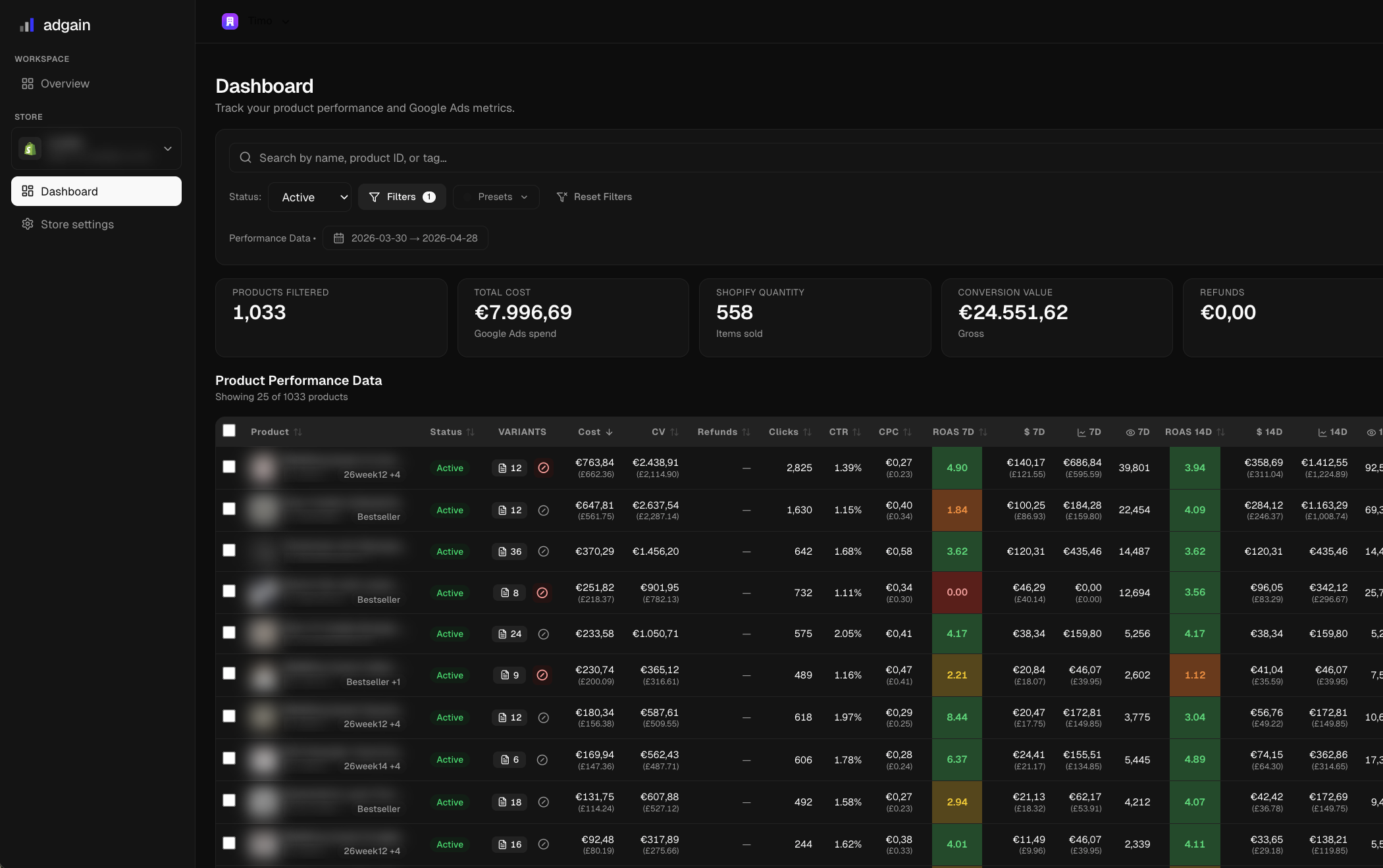
Land on the unified dashboard with real-time per-product ROAS, with Shopify revenue and Google-attributed revenue side by side. Filter, sort, and exclude bleeders or scale winners with one click.
- Every product's true ROAS over 7d / 14d / 30d
- Filter, sort, search, drill into variants
- Exclude losers or scale winners straight to Google Ads